
WHMCS Logic documentation
Designed with for users
WHMCS Easy SEO Docs
System requirements
WHMCS SEO Module allows you to optimize your WHMCS website for search engines with ease. No more complex coding or third-party tools—this module gives you full control over your site’s SEO directly from the WHMCS admin panel. It supports multiple SEO enhancement features including meta tags, custom URLs, sitemap generation, and more.
With a simple interface and easy installation, this module is perfect for anyone looking to boost their WHMCS site's visibility on Google, Bing, and other search engines. Designed with flexibility in mind, the module is compatible with all major WHMCS themes and requires no template modifications.
Features:
-
Easy Installation (No template modification required)
-
Meta Title, Description & Keyword Management
-
Custom URL and Friendly Slug Generator
-
Automatic Sitemap Generator
-
Canonical URL support to avoid duplicate content issues
-
SEO for Knowledgebase, Product Pages, and Client Area
-
Color & UI Settings Panel
-
Google Analytics & Tag Manager Integration
-
Multi-language SEO Support
-
...and much more
General Info:
-
Compatible with WHMCS V7.5 and Later
-
Supports PHP 7.x and 8.x
-
Works with all WHMCS themes
-
Lifetime Updates
-
Simple and Clean UI
Installation
This tutorial will show you how to successfully install and configure WHMCS Easy SEO
We will guide you step by step through the whole installation and configuration process.
1. Log in to our client area and download the module.
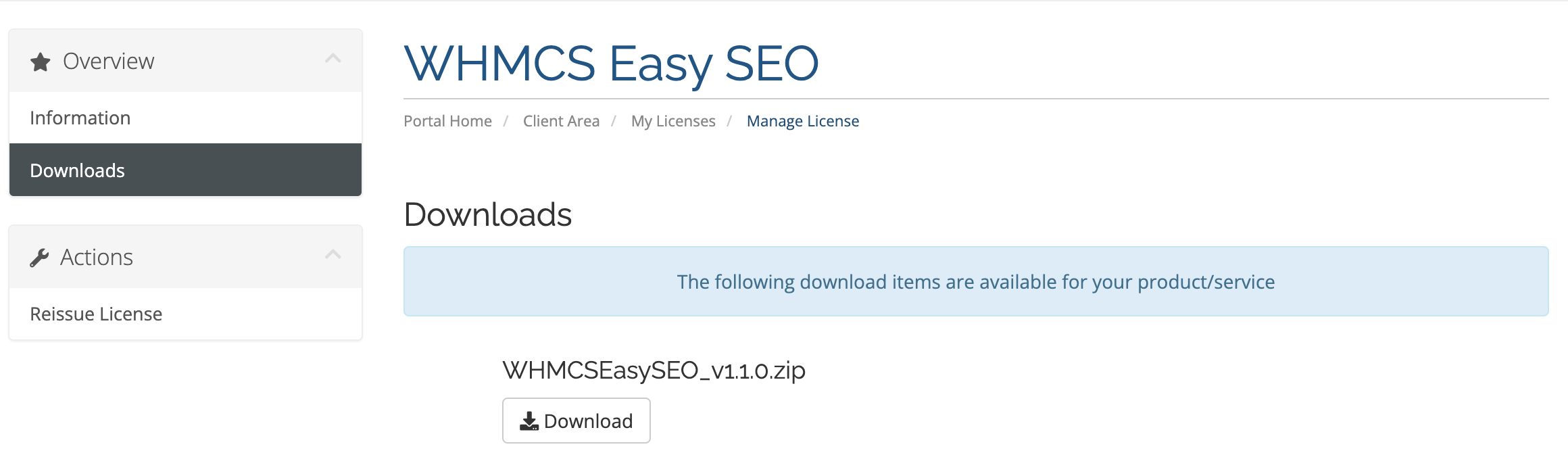
2. In the downloaded file you might find one or two packages that support different PHP versions.
The first one that supports PHP 7.4, and the second one supports up to PHP 8.2.
3. Upload .zip file on your WHMCS Root and extract it, it will automatically place all the files on their destination.
1. In order to configure your license key , you have to put your license key in input field and then save changes.
You can find your license key in our client area ? 'My Products'.
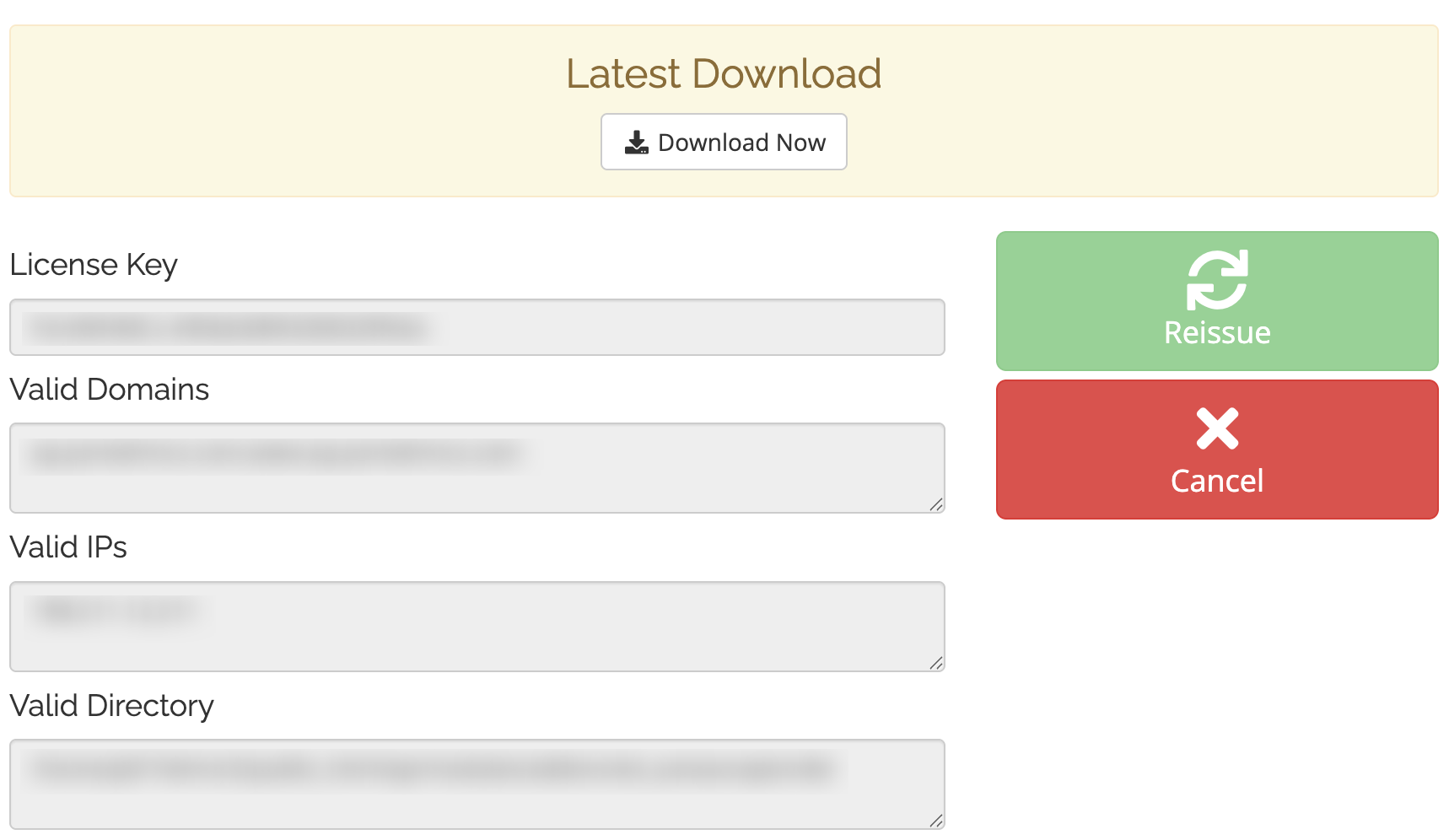
2. Then edit the file named license.php and update license key.

3. Finally, activate your module from the WHMCS addon module option.

