
WHMCS Logic documentation
Designed with for users
Invoice page and pdf design Docs
System requirements
Invoice page and pdf design for WHMCS allow you to easily customize invoice page and invoice pdf. This have six different layout, which allow you to set a unique design, also have color customize options so you can set your invoice page and pdf color match on your logo/theme etc. Very easy setup, no template modification is required. And also this have very easy configurations.
Features:
- Easy Installation
- Six different layout
- Easy color modification
- Easy Customizations
- and much more
General Info:
- Supports WHMCS V7.5 And Later
Installation
This tutorial will show you how to successfully install and configure WHMCS Easy SEO
We will guide you step by step through the whole installation and configuration process.
1. Log in to our client area and download the module.
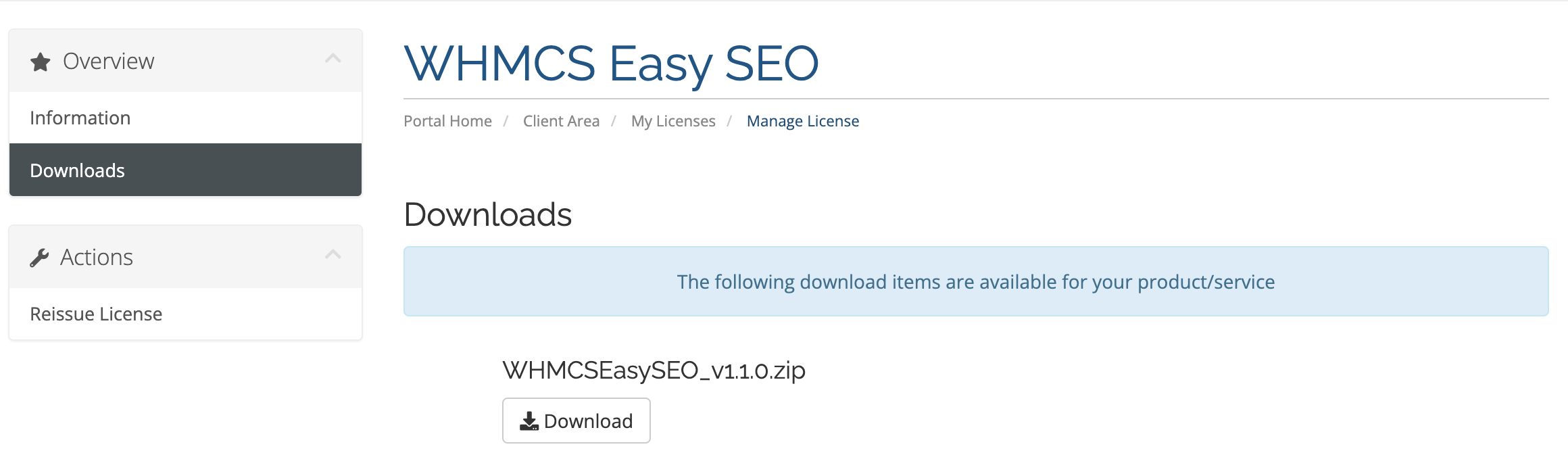
2. In the downloaded file you might find one or two packages that support different PHP versions.
The first one that supports PHP 7.4, and the second one supports up to PHP 8.2.
3. Upload .zip file on your WHMCS Root and extract it, it will automatically place all the files on their destination.
1. In order to configure your license key , you have to put your license key in input field and then save changes.
You can find your license key in our client area ? 'My Products'.
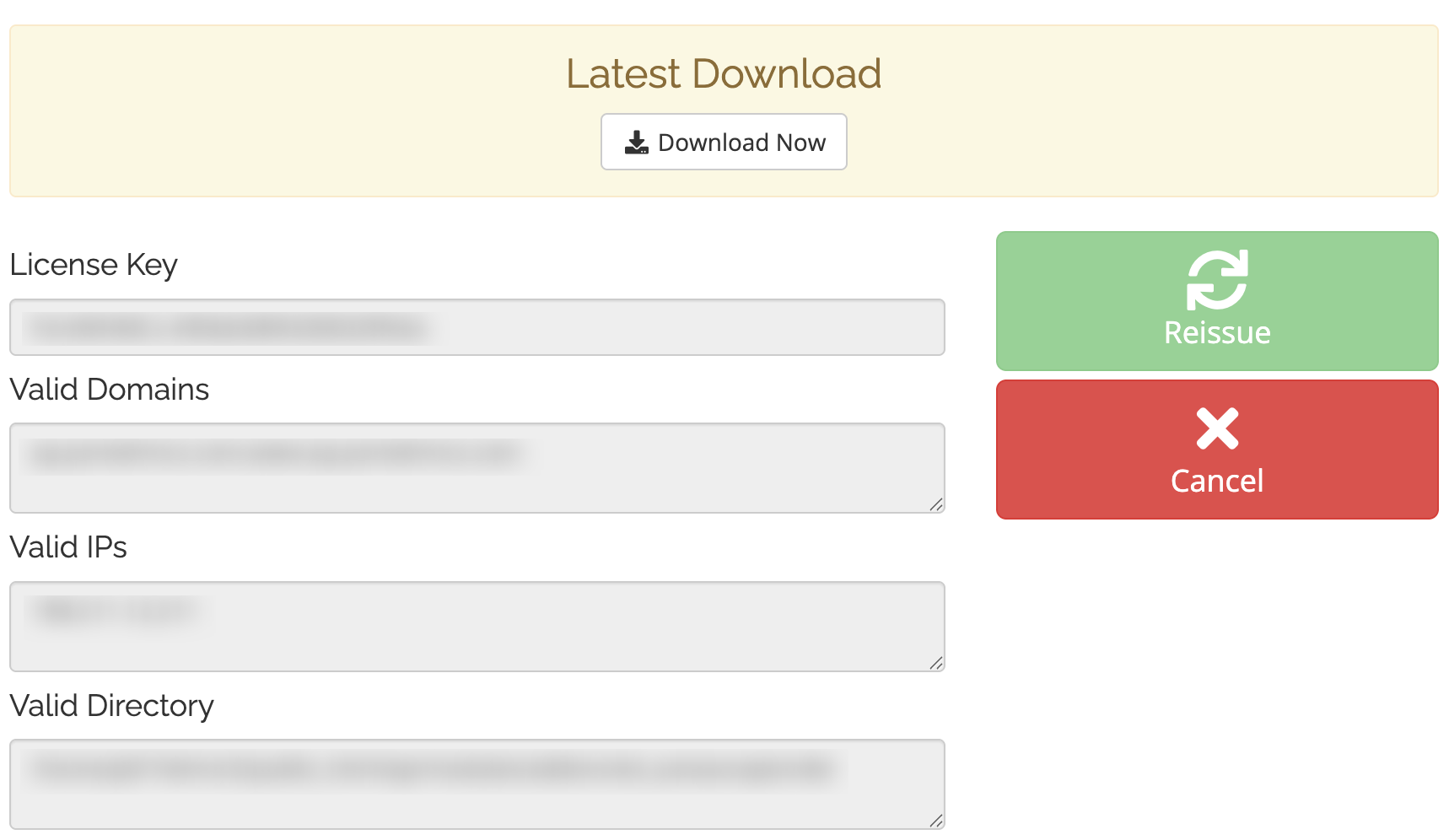
2. Then edit the file named license.php and update license key.

3. Finally, activate your module from the WHMCS addon module option.

