WHMCS Logic documentation
Designed with for users
View Invoice using token Docs
System requirements
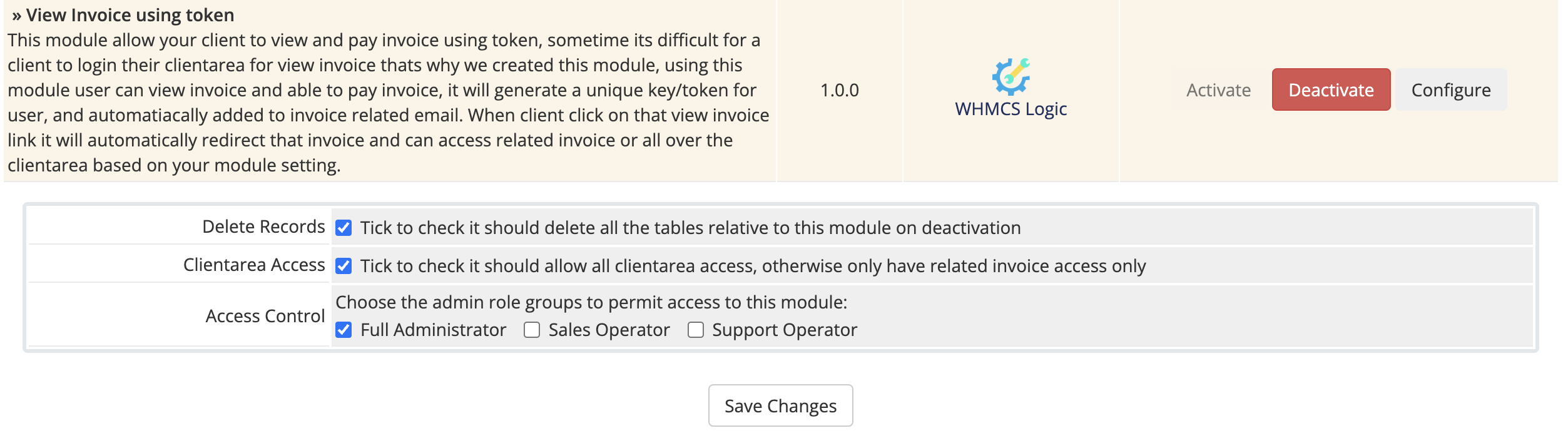
View Invoice using token allow your client to view and pay invoice using token, sometime its difficult for a client to login their clientarea for view invoice thats why we created this module, using this module user can view invoice and able to pay invoice, it will generate a unique key/token for user, and automatiacally added to invoice related email. When client click on that view invoice link it will automatically redirect that invoice and can access related invoice or all over the clientarea based on your module setting.
Features:
- Automatically Login from email
- Can setting only specific view invoice
- Automatically Expire token when invoice is paid or cancled
- Very easy installation and configaration
General Info:
- Supports WHMCS V8.x And Later
Installation
1. In order to configure your license key , you have to put your license key in input field and then save changes.
You can find your license key in our client area ? 'My Products'.
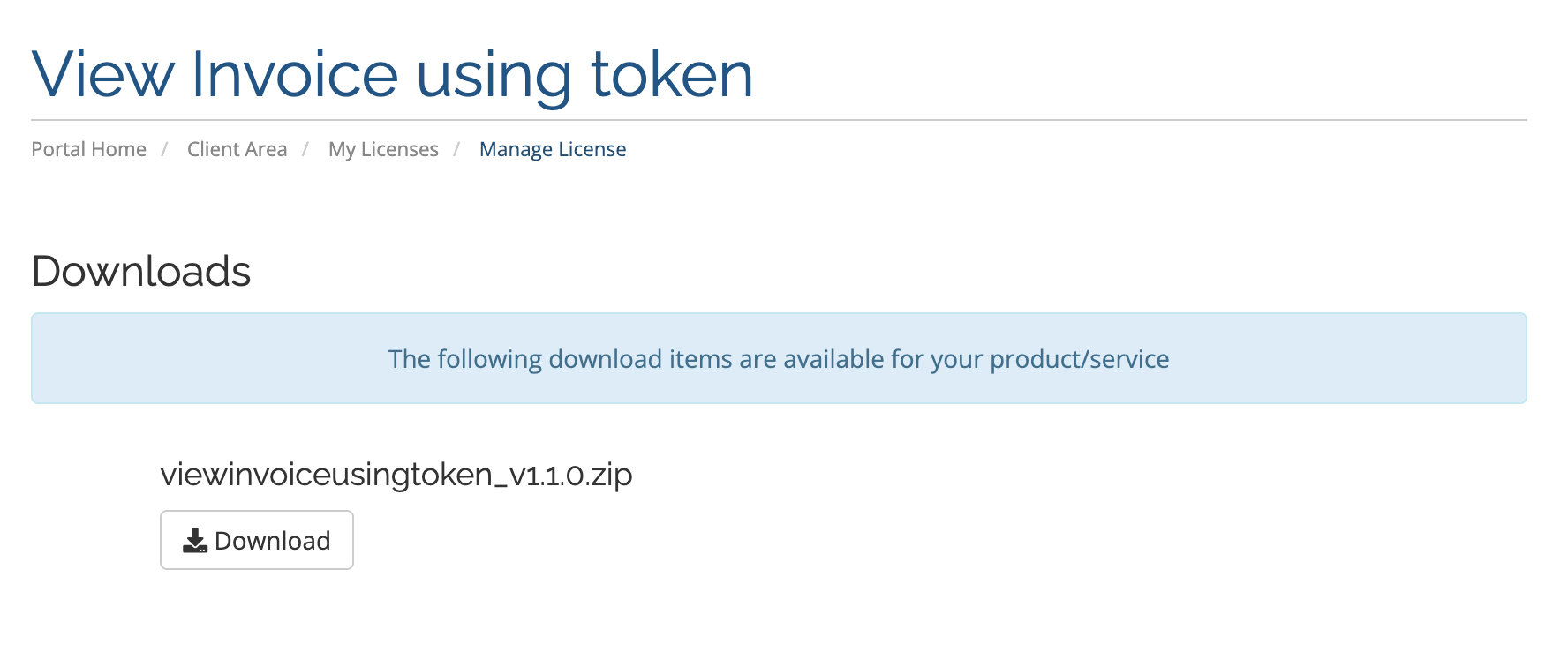
2. In the downloaded file you might find one or two packages that support different PHP versions.
The first one that supports PHP 7.4, and the second one supports up to PHP 8.2.
3. Upload .zip file on your WHMCS Root and extract it, it will automatically place all the files on their destination.
1. In order to configure your license key , you have to put your license key in input field and then save changes.
You can find your license key in our client area ? 'My Products'.
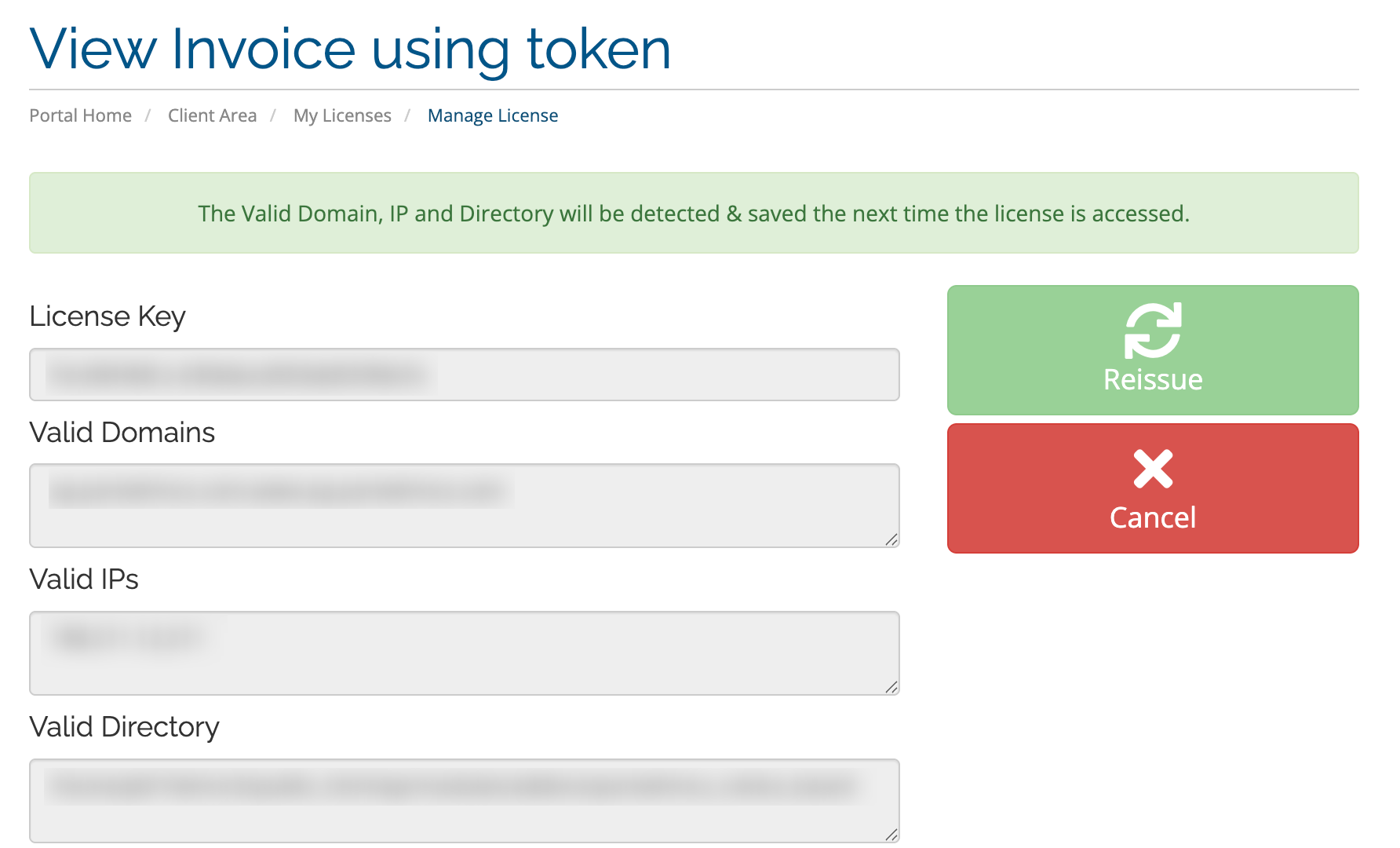
2. Then edit the file named license.php and update license key.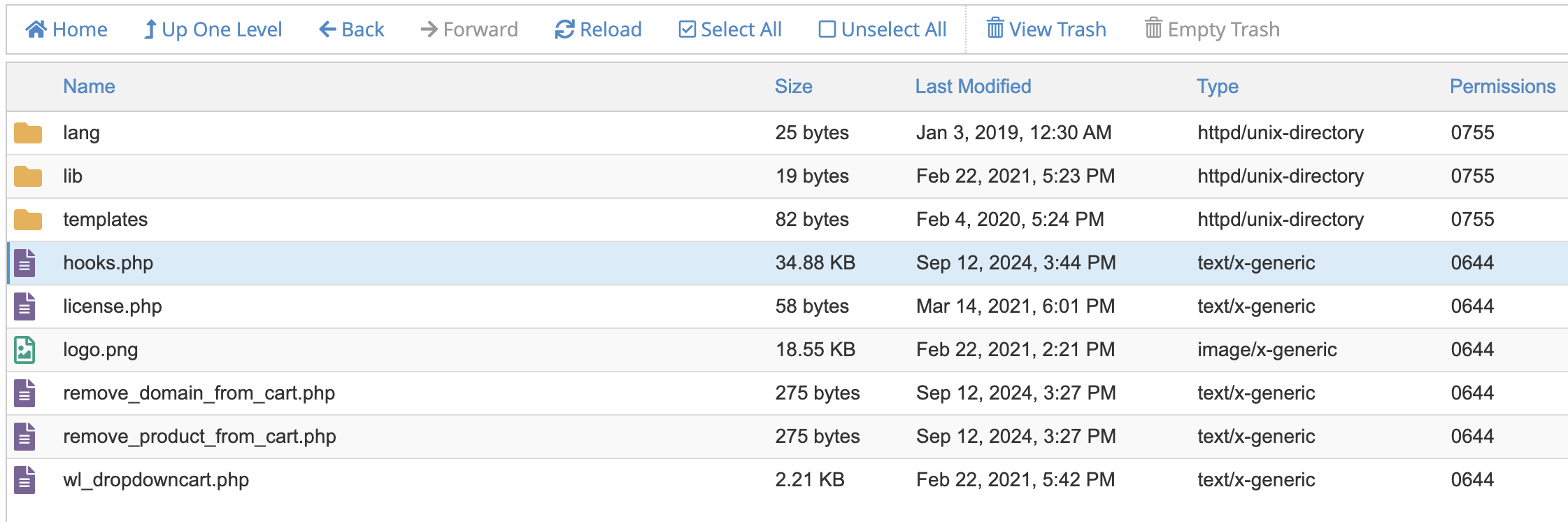

3. Finally, activate your module from the WHMCS addon module option.